Watson Orchestrate
How I developed a conversational experience and used user research to save IBM’s watsonx before it was watsonx
Conversation Design | User research | 0-1 | 2021
Overview
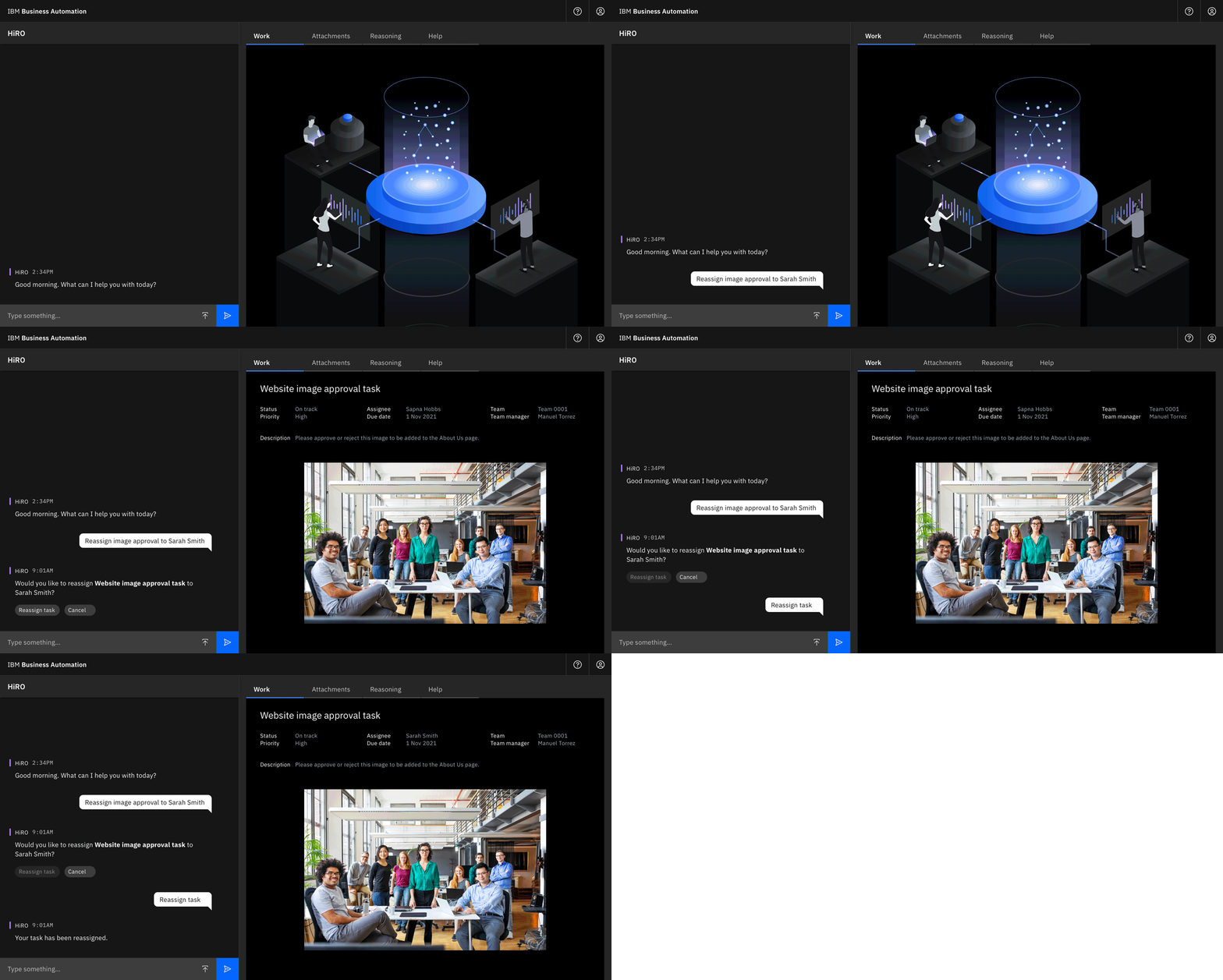
Watson Orchestrate was a digital worker offered through IBM Business Automation. Powered by AI, it carried out business processes, created automations, and connected to apps like SAP, Slack, and Workday.
The chat UI used Constrained Natural Language (CNL) to match user requests to relevant skills. CNL followed a strict grammar—the language engine (at the time) couldn’t parse natural language.
Domains
Conversational UX, AI, chat UI, user onboarding, UX writing, UX research
Time frame
6 months (2021)
My role
UX designer working with 1 lead and 1 designer
Conversation design, branding, voice, user research
Goals
For the business: Demonstrate the power of AI and how it can integrate with any team’s existing workflows, positioning IBM as a key player both in automation and in the productivity tool space
For the user: Create an interface that empowers the user to work more efficiently, offloading menial tasks and saving time
Research
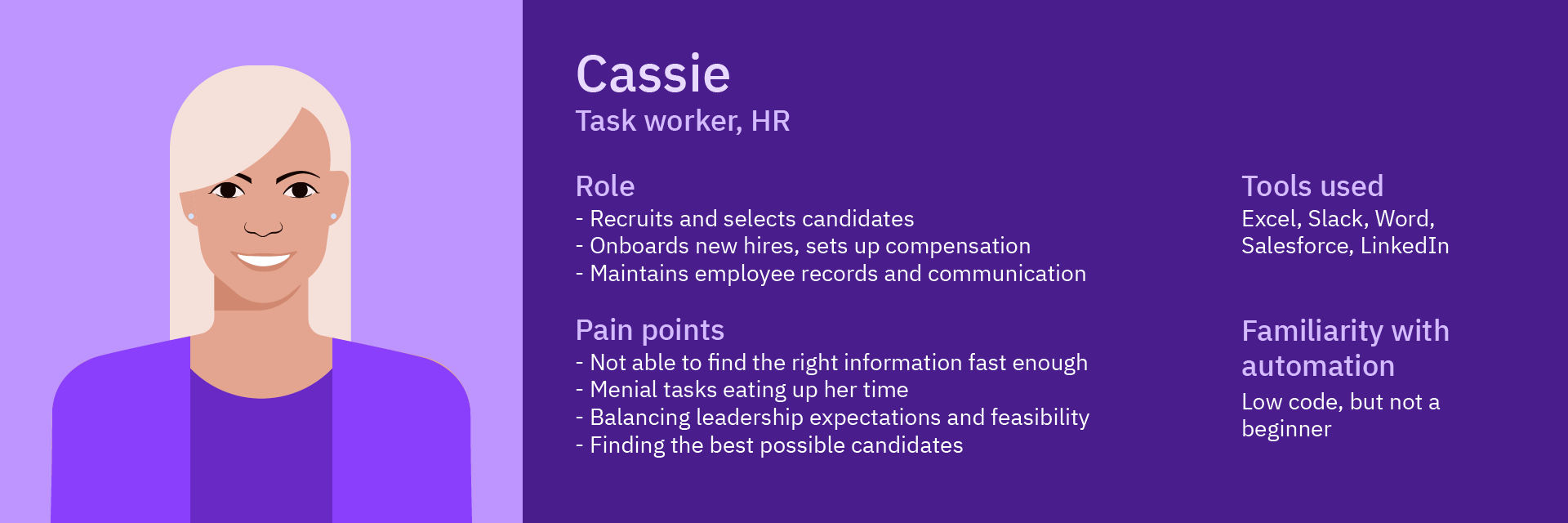
Meet Cassie.
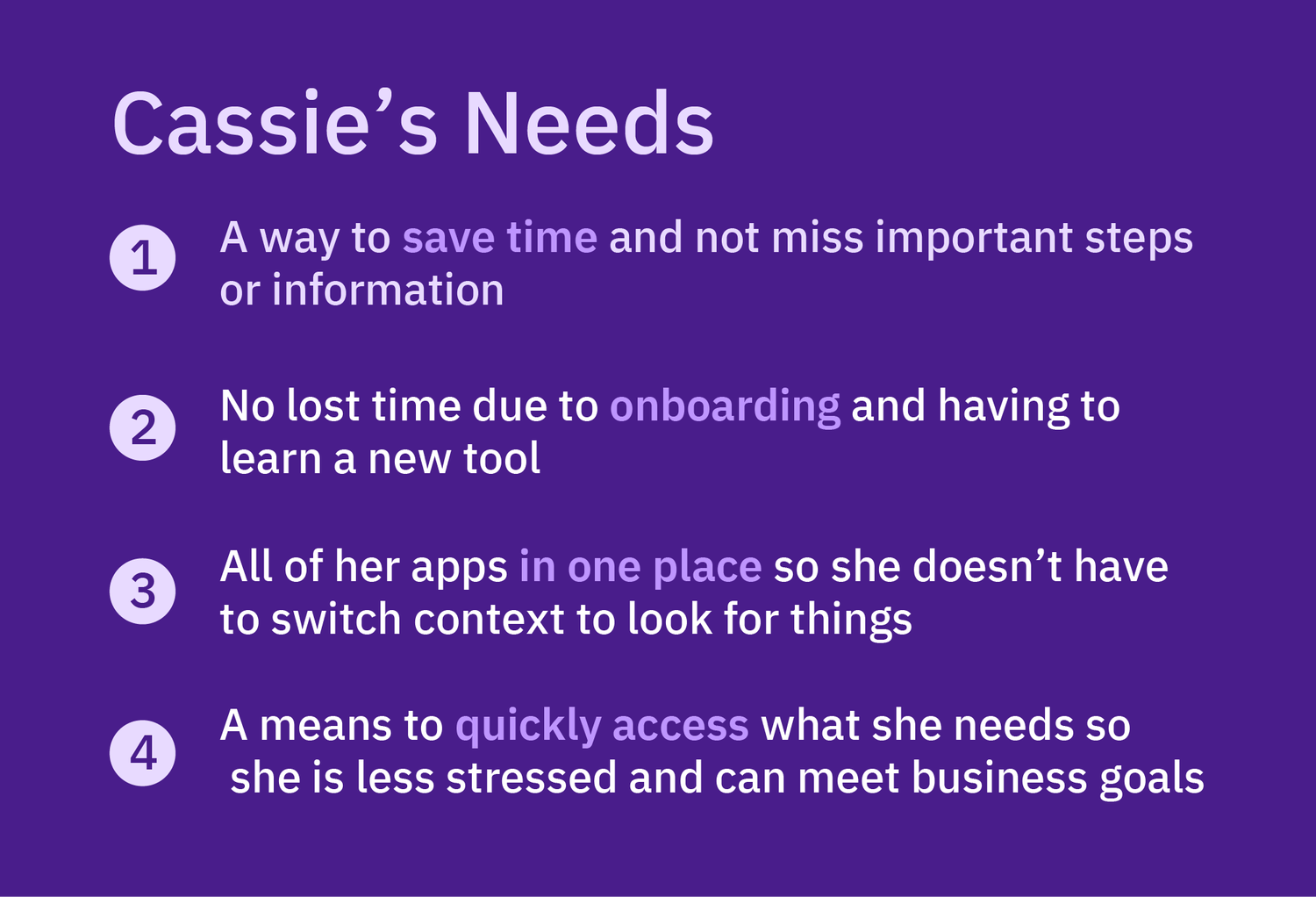
Cassie is a low-code taskworker in HR. She deals with a dozen tools like Slack, email, Salesforce, Workday, and Excel. Overwhelmed, she needs a tool that streamlines her work—but doesn’t require extensive training.
Generally, her greatest enemy is time.
Chat UI research
The team spent weeks conducting researching on chat UIs and their advantages and disadvantages, as well as Slack and Microsoft Teams for future integrations.
The main advantages:
an ideal interface for quick, ad hoc interactions
a history-at-a-glance of previous conversations, especially in chronological order
a means of communication for remote work among teams
The main disadvantages:
a clumsy interface for larger projects involving multiple people
a “psychological pull” that interrupts productivity and, in some cases, can be addictive
increased cognitive loaddue to frequent context switching
Users automate or offload tasks based on five factors:
Consequences associated with the task. For tasks involving sensitive information (like SSNs, passwords, tax info, etc.), users would rather have more oversight, as errors can have legal consequences.
Familiarity with the task. If the user is less familiar with a task and how it works, they would prefer more updates and details at each step.
Collaboration involved. If a task involved bringing in another person, especially a customer, users preferred to do it themselves. This includes establishing relationships with clients or having face-to-face follow-ups.
Trust towards system. Users not yet comfortable with a system are more likely to monitor it closely and review its output before submitting any work.
Individual characteristics. Some people are excited about AI and will automate anything they can! Others, not so much.
Design iteration
The user journey of how Cassie creates an approval, using the Approval skill.
The desktop user experience of Watson Orchestrate had three main areas to create: the conversational UX in the chat, the non-chat interactions in the UI, and user onboarding.
Conversational UX - the chat experience
To design the conversational UX of Watson Orchestrate, we broke down all the different types of requests and questions a user might input:
To design the conversational UX of Watson Orchestrate, we broke down all the different types of requests and questions a user might input:
Welcome messaging: WO greets the user, either for the first time or returning
Invocations: The user commands WO to carry out a task
Questions: The user asks for information from WO
Error handling: If WO is unable to carry out a request, how does it notify the user and correct the issue?
WO-initiated actions: WO reaches out to the user, like when they receive a request from someone or a reminder is scheduled
Using IBM UX writing guidelines, we developed a “voice” and personality for the chat, using branding archetypes. This gave Watson Orchestrate a helpful, friendly, informative personality.
To hear more about how I used Carl Jung’s archetypes, check out the talk I gave for IBM Spark here.
Non-chat interactive UI - the editor panel
To enhance the experience—and increase user trust—we included an editor panel on the right that displays documents, information, and forms. The editor panel allows the user to accomplish what can’t be done in the chat.
Low fidelity designs showing examples of what the user can accomplish in the editor panel
The right panel is fully interactive and can do everything from sending emails to launching approvals to creating automations.
Next, we faced our biggest challenge: The conversational engine behind Watson Orchestrate had a limited grammar that it could understand. Through user onboarding, we had to teach users how to write requests for Watson Orchestrate.
Testing the experience
Our first step was to determine an underlying grammar for requests using Constrained Natural Language (CNL for short)—a limited version of Natural Language. I looked at sites like Duolingo and Code Academy for effective ways to teach users and came up with this basic structure:
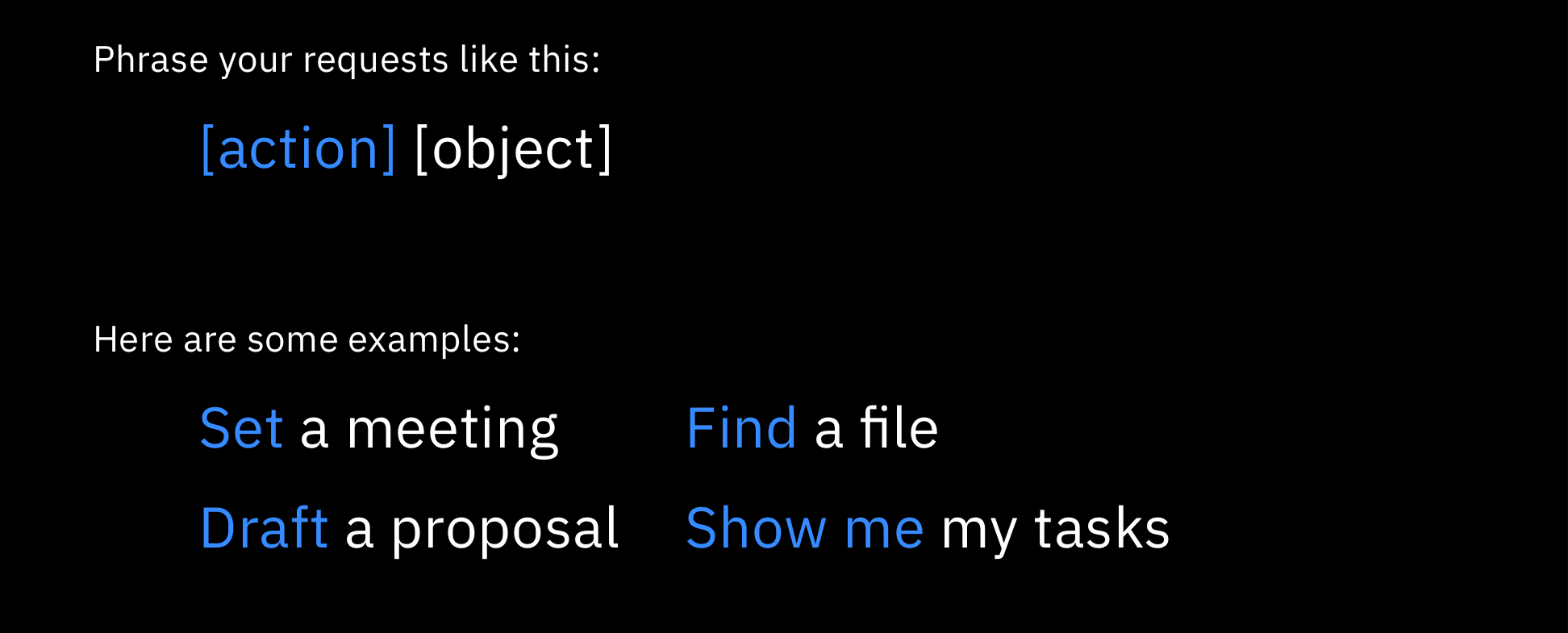
This basic structure was the result of our research and our slight panic that we were informed of this limitation only four weeks before our deadline.
We undertook a study on best methods for language guidance to answer:
How quickly do users pick up CNL and use it correctly?
What method of guidance best teaches CNL?
What are users’ natural, intuitive syntax and phrasing? And how do we emulate that with our own CNL?
I made low-fidelity mockups and tested three methods: no guidance, implicit guidance (where the user could access help if needed), and explicit guidance.
Users were asked to complete one of three tasks: schedule a meeting, create an approval, or set a watch (a type of automation). We conducted 20 unmoderated, think-aloud tests (2 rounds of 10 tests) via UserTesting.com.
The 20 users spanned 11 countries, ranged from 25 to 49 years old, and worked in a variety of industries.
Results from our user testing. A majority of users preferred the right side guidance (aka the explicit guidance).
Highlights of our findings:
Only 8 of 20 were able to use the CNL correctly after reading guidance
The explicit guidance, where the grammar and examples were shown on the right panel in the UI, had the best success rate
Despite 10 of 20 users stating a preference for the implicit guidance, 0 of 20 actually read it
Slack, followed by Microsoft Teams, are the most-used messaging apps
Not a single user used CNL correctly on the first try
My favorite insight: Users were polite to the chat! 10 of 20 users included a “please” in at least one of the requests
Screenshots of user responses during the test. 3 of 20 users suggested we include a voice command, like Siri.
Users were also asked what they would and wouldn’t use Watson Orchestrate for.
Tasks that users would use WO include:
Approvals and forms requiring submitting
Setting reminders
Simple, repetitive tasks
Tasks that users would not use WO include:
Any task that is customer-facing
Tasks of high importance with little room for error, or tasks involving confidential information
Higher-level creative tasks like building a marketing campaign
With this new research in mind, we set about adapting the Watson Orchestrate onboarding experience and chat interaction, with a focus on Day 1, first-time use.
Final design
Our final opening screen. “HiRo” is an HR-specific iteration of Watson Orchestrate. Visual design by Sapna Patel.
Through our research, we determined that task tracking and the “watch” feature would be the most common things users might want to do with Watson Orchestrate. Over time, however, that welcome message would instead include the tasks the user does most often.
Saving time
Cassie can offload menial tasks with invocation requests, saving time.
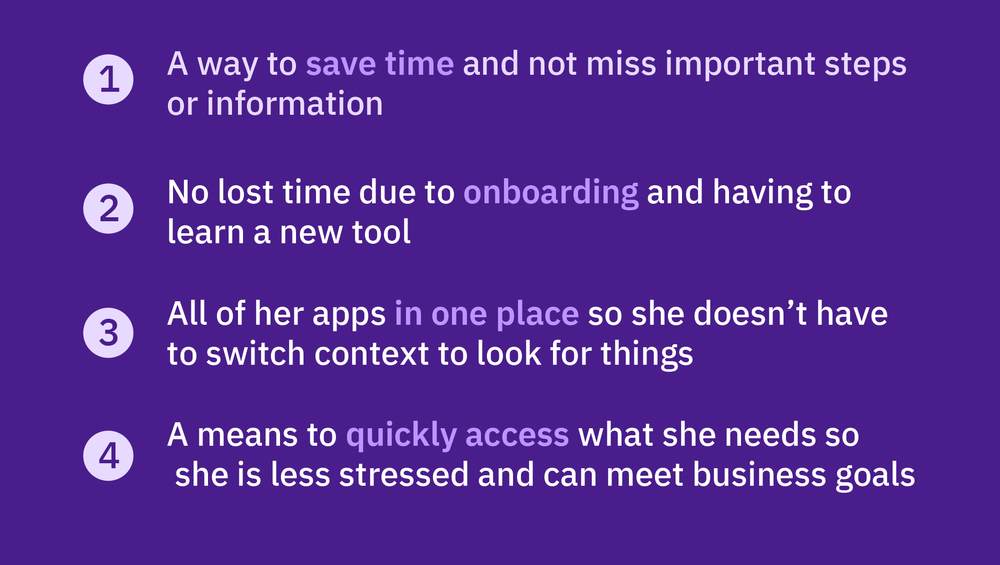
Everything you need, in one place
Her “digital worker” integrates with existing apps, such as Workplace, an IBM productivity tool.
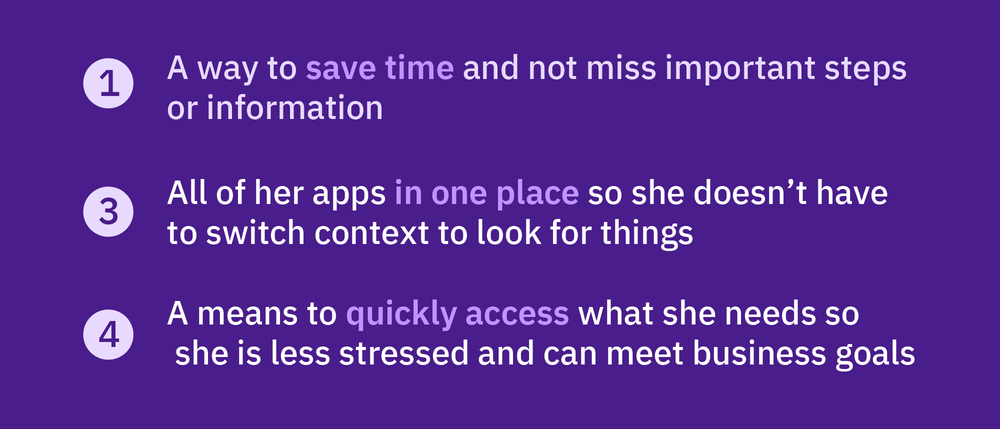
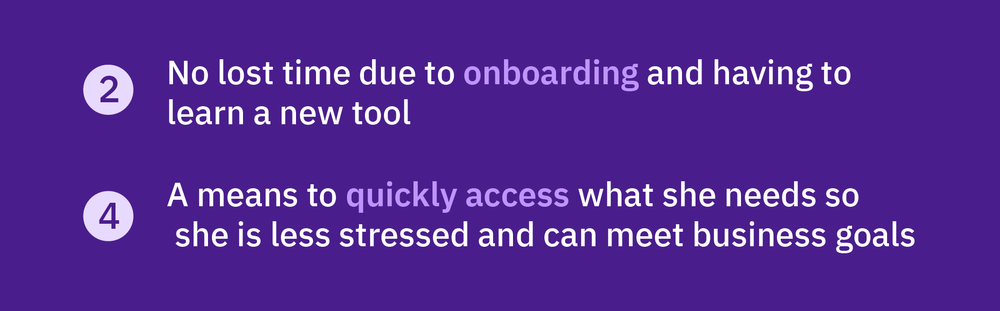
Workflow integrations
Watson Orchestrate offers a Slack integration, where users communicate in a DM.
Note: The use case presented here is an insurance claims use case, as requested by product management.
Then came great news: Less than a month after our product release, we were informed that Watson Orchestrate would be using conversational patterns from a larger language base, and would be able to parse far more than our original limits—our concerns about CNL were no longer worries!
Lessons learned
Every project and team teaches me something new about design. Here are some takeaways from Watson Orchestrate:
Nothing teaches you more about process than doing it out of order. Most design work I’ve done has followed a consistent pattern of Research → Iteration → Testing → Final Design. This project was a ready-made concept that instead needed to be validated, so we came up with more generalized concepts and tested them, gathering evaluative research in the process.
Conversational UX requires looking at a qualitative experience through a quantitative lens. How do you pull underlying patterns out of a two-person back-and-forth? How do you account for different ways to phrase an idea? Developing chat UX requires systematic thinking about organic conversation.
You cannot box users in, no matter your product’s limitations. Our tango with Constrained Natural Language (CNL) was a prime example of how if a product does not match user expectations, people simply will not use it. CNL is tricky to grasp and not intuitive, which would have turned users like Cassie off of Watson Orchestrate.
Next project
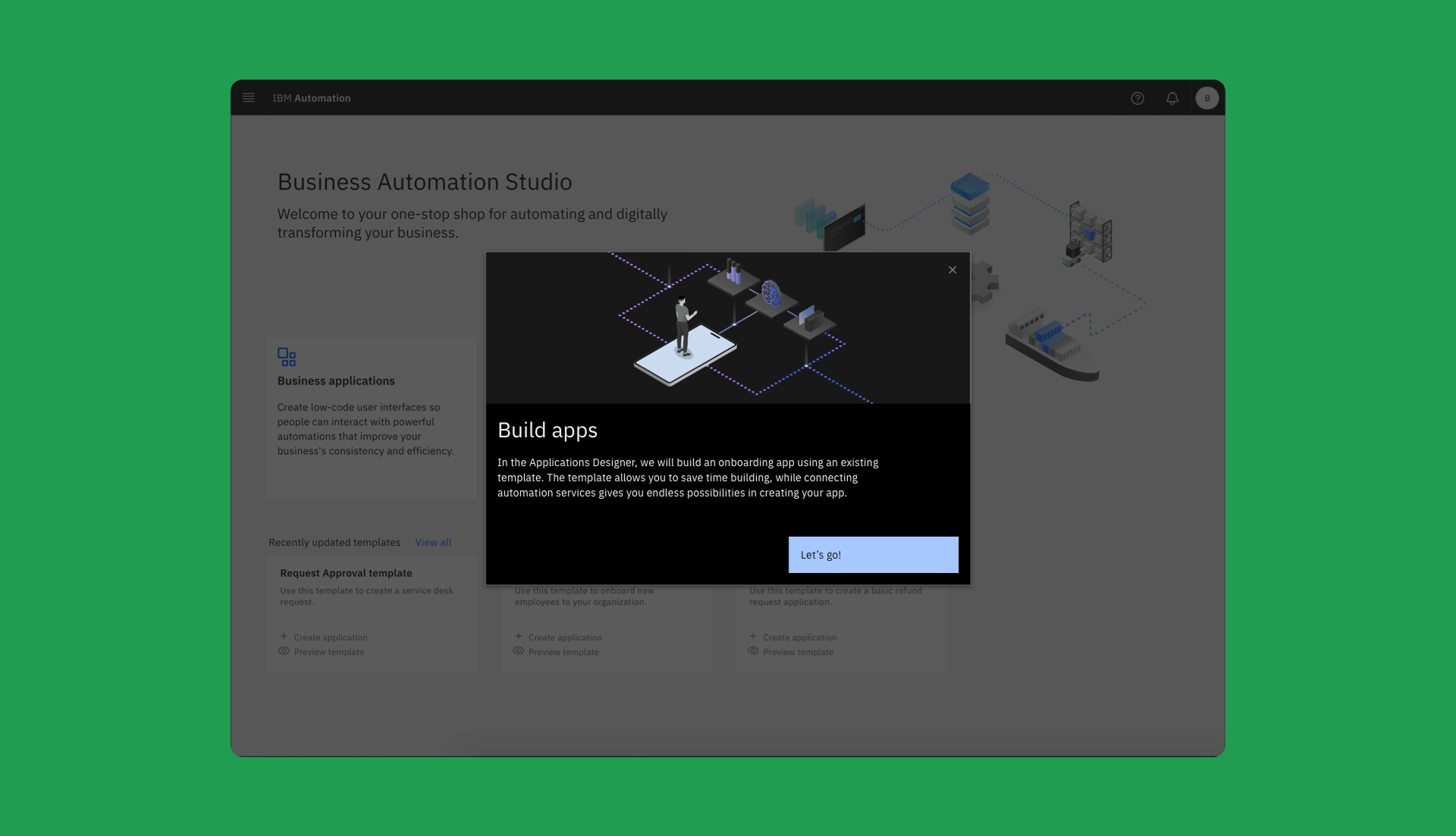
IBM product trials
How a six-week redesign increased user engagement by 31% and click-throughs by 22%